Paper KOTs, gone. One live screen instead.
The kitchen display system is where ordering software earns its keep. In FoodHubbie the cook's screen is the same live feed the cashier and owner run on: a QR customer adds extra cheese and the ticket on the screen shows it before the plate's even needed. Staff tap through statuses — cooking, ready, served — and the customer's own phone shows the progress.
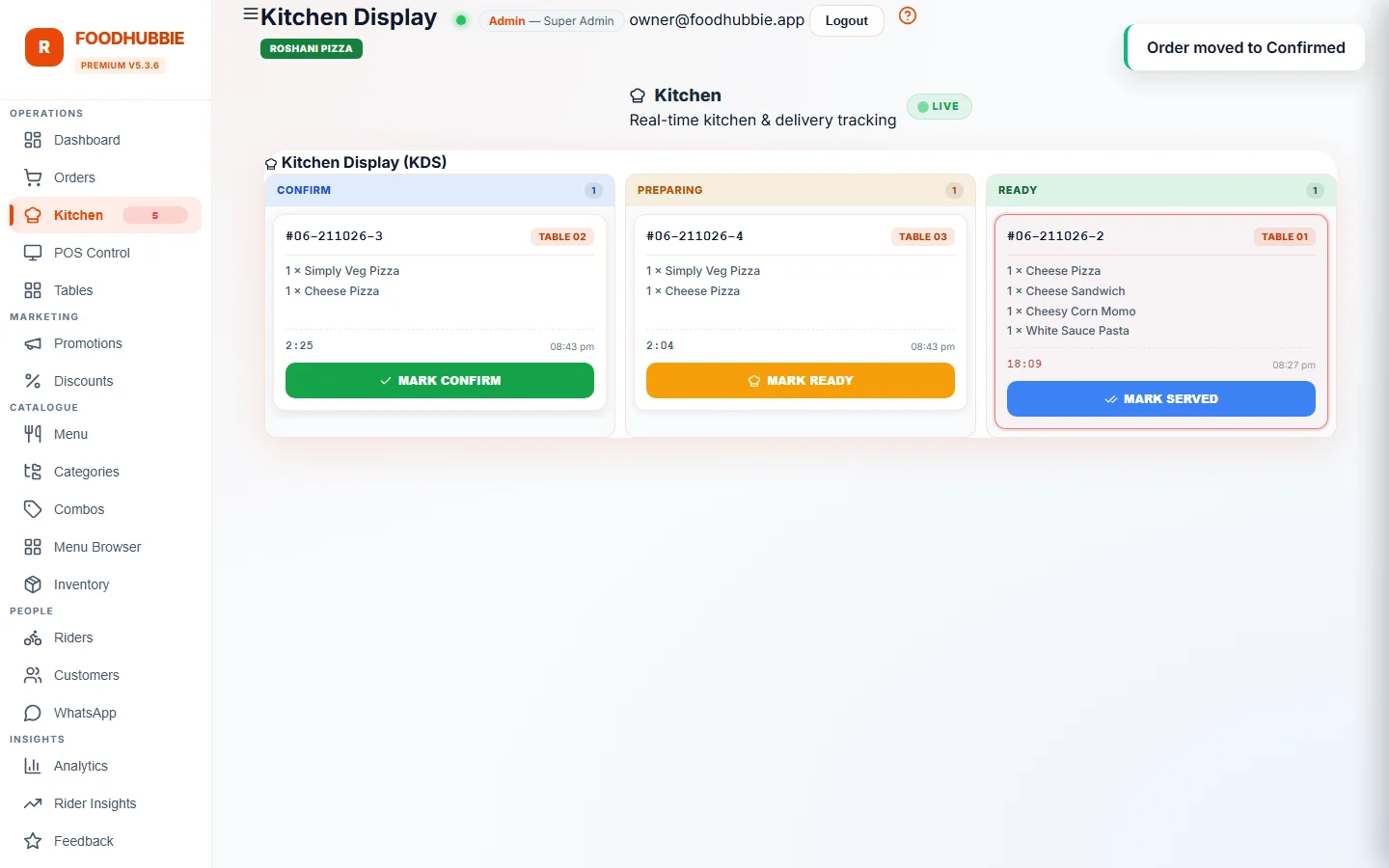
Order statuses everyone can see
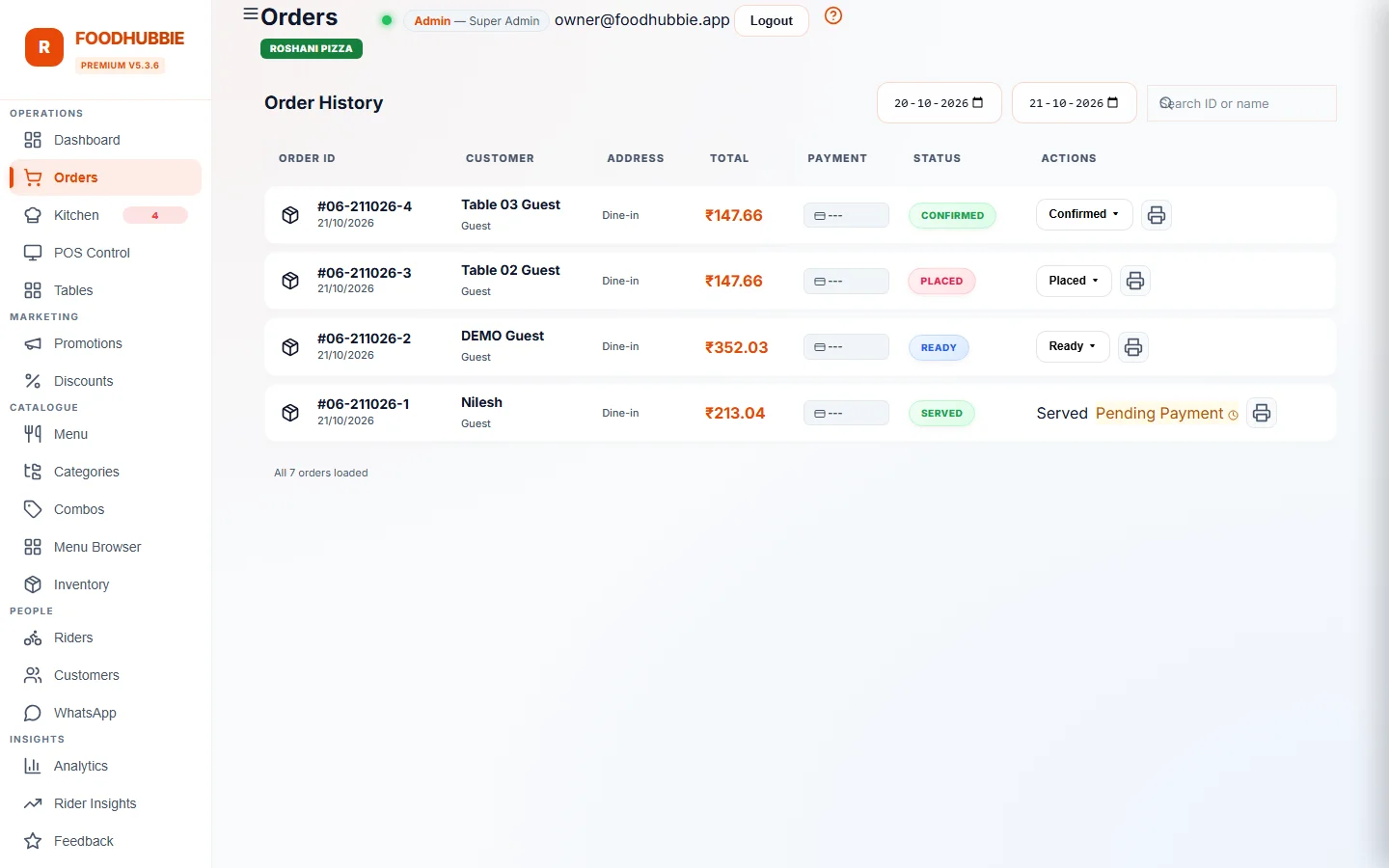
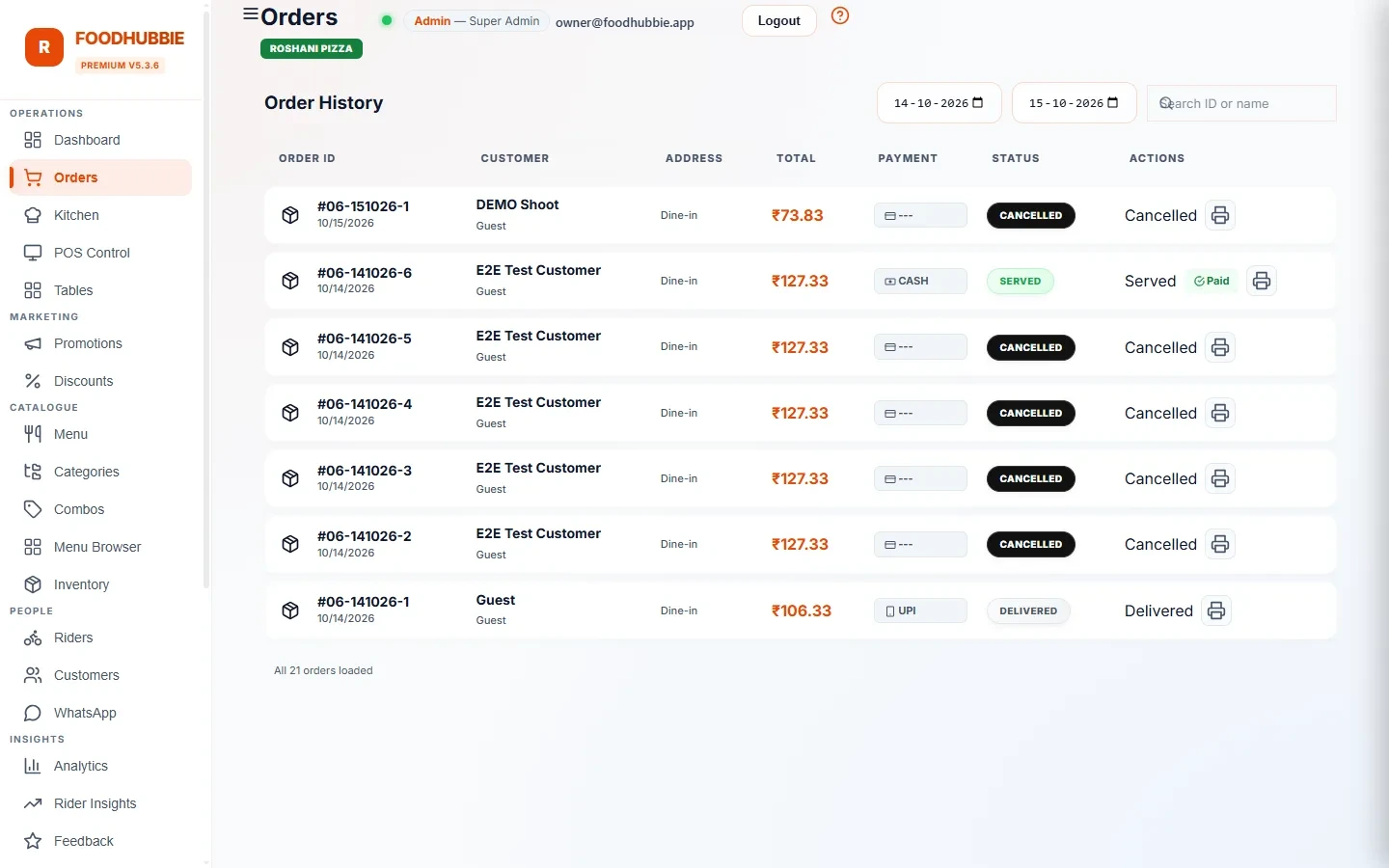
What changes on a busy shift
The ticket shows exactly what the customer picked — variant, toppings, notes. No waiter shorthand, no "was this chicken or paneer?".
Cooking → ready → served. Each tap pushes the update everywhere at once — POS, owner dashboard, customer's phone.
The admin dashboard mirrors the kitchen live, so you know what's happening without standing behind the pass.
An old tablet or laptop on the prep counter is enough — it's a browser screen, not special KDS hardware.
Billing reads from the same session data the kitchen cooks from. What's on the screen is what gets billed — no end-of-night surprises.
Included in the flat ₹1–5-per-order plan. Most vendors sell the KDS as an add-on module; here it's the standard.
KDS questions, answered plainly
Do we need to buy a special screen?
No. The kitchen display runs in a browser on any tablet, laptop or TV — there is no proprietary terminal to purchase.
Can the kitchen tell delivery orders apart from dine-in?
Yes. Every ticket carries its channel and destination, so the kitchen knows whether it is going to a table, the counter or a rider.
What is a kitchen display system (KDS)?
A kitchen display system is a screen in the kitchen that replaces paper order tickets. Every order — dine-in, QR table and delivery — appears on it the moment it's placed, with the table number and exact customizations the customer chose. Kitchen staff mark each order cooking / ready / served, and everyone downstream sees the update instantly.
How much does a kitchen display system cost?
FoodHubbie's KDS is included in the standard plan: a flat ₹1–5 per order plus a one-time ₹500 setup. No separate KDS licence, no extra screen subscription — and the free trial covers it.
Does the owner need to be at the restaurant to see orders?
No. The admin dashboard mirrors the kitchen screen from anywhere. Ordering, cooking and delivery statuses are live in your pocket — that's what the same live-orders feed powers.
What happens when a customer customizes an order from the QR menu?
The customization travels with the order to the kitchen screen exactly as chosen — variant, toppings, quantity, notes. Nothing is retyped or summarized, so the cook makes what the customer actually picked.
Do I need special hardware for KDS?
No. Any phone, tablet or old laptop the kitchen already owns runs it in the browser. No dedicated touchscreen terminals or installation visits.
KOT vs KDS: what actually changes
A KOT (kitchen order ticket) is a piece of paper that carries an order to the kitchen. A KDS (kitchen display system) is a screen that carries the same order plus its live status, its channel and its table. The paper is not the problem — the shouting, lost slips and "did anyone start table 6?" are.
| Paper KOT | Kitchen display (KDS) | |
|---|---|---|
| Lost tickets | Possible — grease, wind, wrong pile | Impossible: the ticket exists once, on screen |
| Legibility | Depends on handwriting | Generated by the system from your menu |
| Status visibility | Walk over and ask | Everyone sees new, in progress and done |
| Changes after ordering | A second slip, or a shout | The ticket updates |
| Records | Thrown away at close | Every item stays attached to the order and the bill |
How a ticket moves through the kitchen
A QR order, counter order or delivery order lands on the screen the moment it is placed — nobody carries it in.
Staff move the ticket to in-progress. The cashier and the owner see the same status, so nobody walks over to ask.
The ticket is marked ready and the order moves on — to the table, the counter or the rider queue.
The items stay tied to the order for billing and reports, so the evening's takings are not reconstructed from memory.
The full flow from QR scan to bill is in how it works. Orders arrive from QR ordering and the POS.
What a ticket shows
Table number for dine-in, counter for takeaway, delivery for rider orders — the channel is on the ticket, not in someone's head.
Item, quantity and the customer's chosen options, generated from your menu rather than re-typed.
Items you have marked unavailable that day cannot be ordered, so the kitchen is not asked for a dish you ran out of.
Any tablet, laptop or TV with a browser can run the display — there is no proprietary hardware to buy.
Try it on tomorrow's rush
The free trial runs the full loop — QR order in, kitchen ticket up, bill closed. WhatsApp us and it's live the same day.
Start free trial → WhatsApp us