What it is
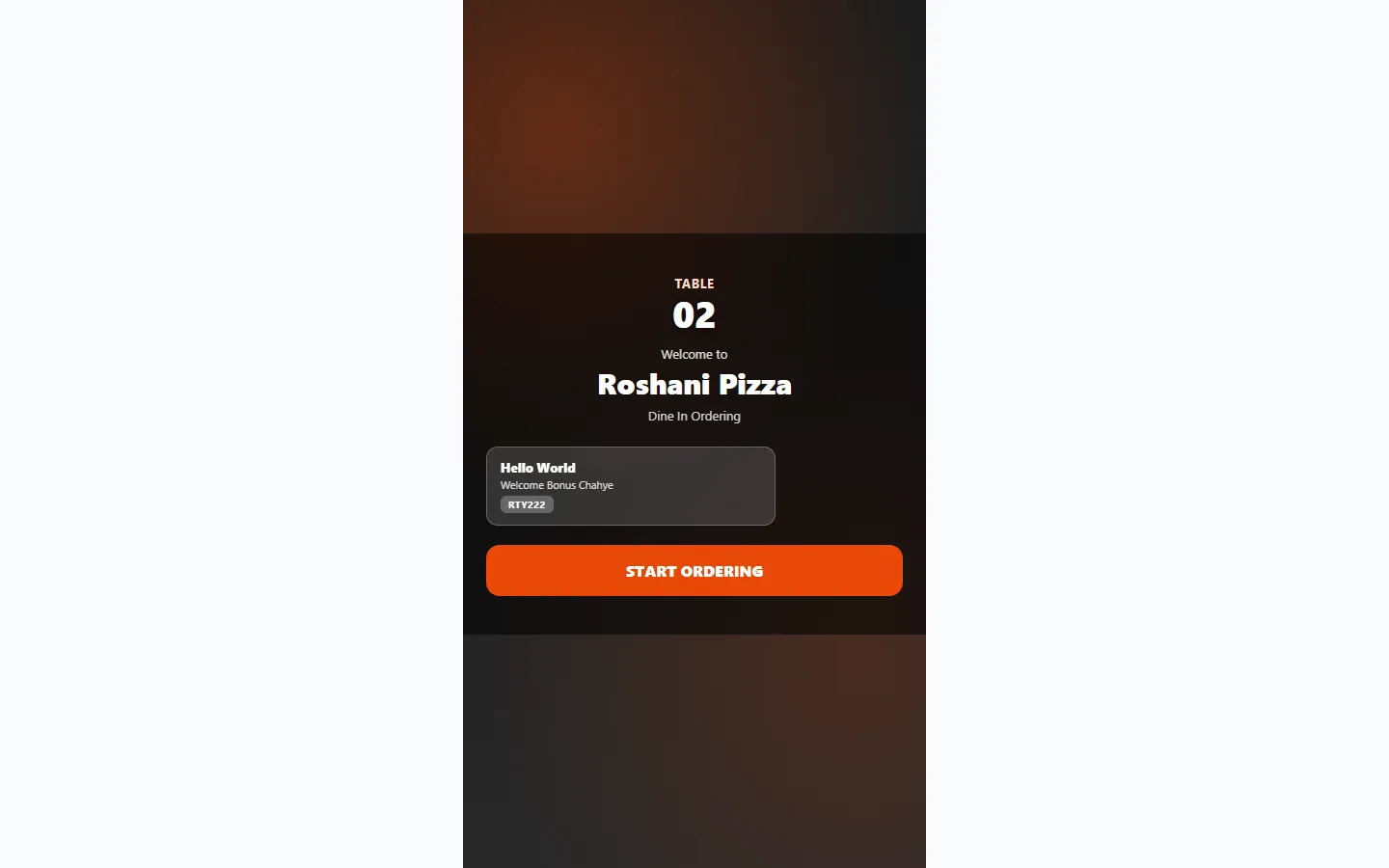
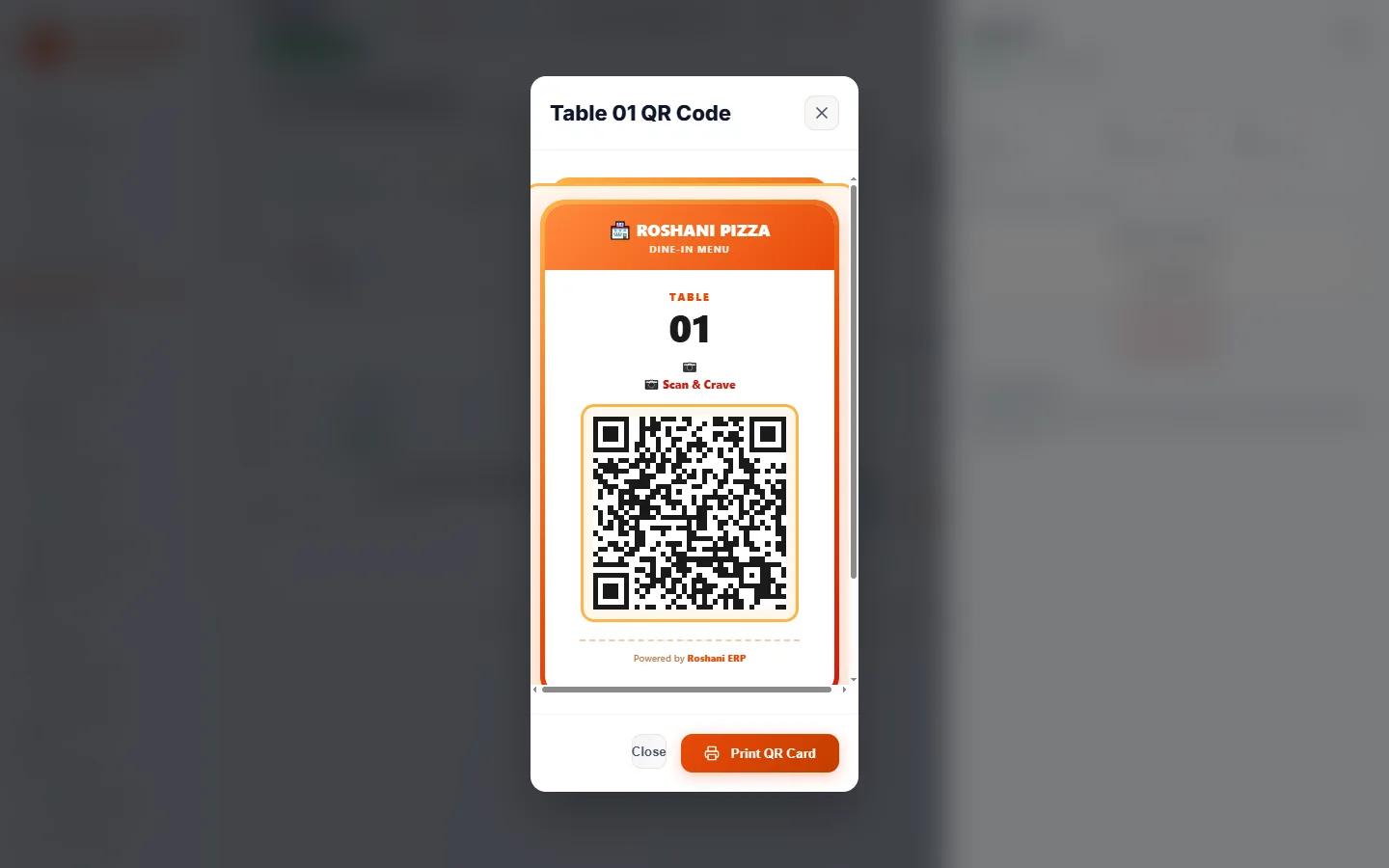
A QR code ordering system is exactly what it sounds like: a QR code sticker on every table, each linked to that table (and its session). Scanning it opens your menu in the customer's browser — no app download, no waiters, no "sir what do you want to order". The order travels straight into your kitchen screen with the table number attached, and the customer keeps everything — menu, order status, bill request — on the same page.
How the QR table flow works
One scan session = one table. Order anything, multiple times, ask for the bill — it's all tied to that table until the cashier closes it.
What you get out of it
The customer picks the variant, toppings and quantity themselves — kitchen sees exactly what was chosen, not what a waiter remembered.
No waiting for a free waiter. Order and bill-request happen from the seat; staff get a live queue instead of interruptions.
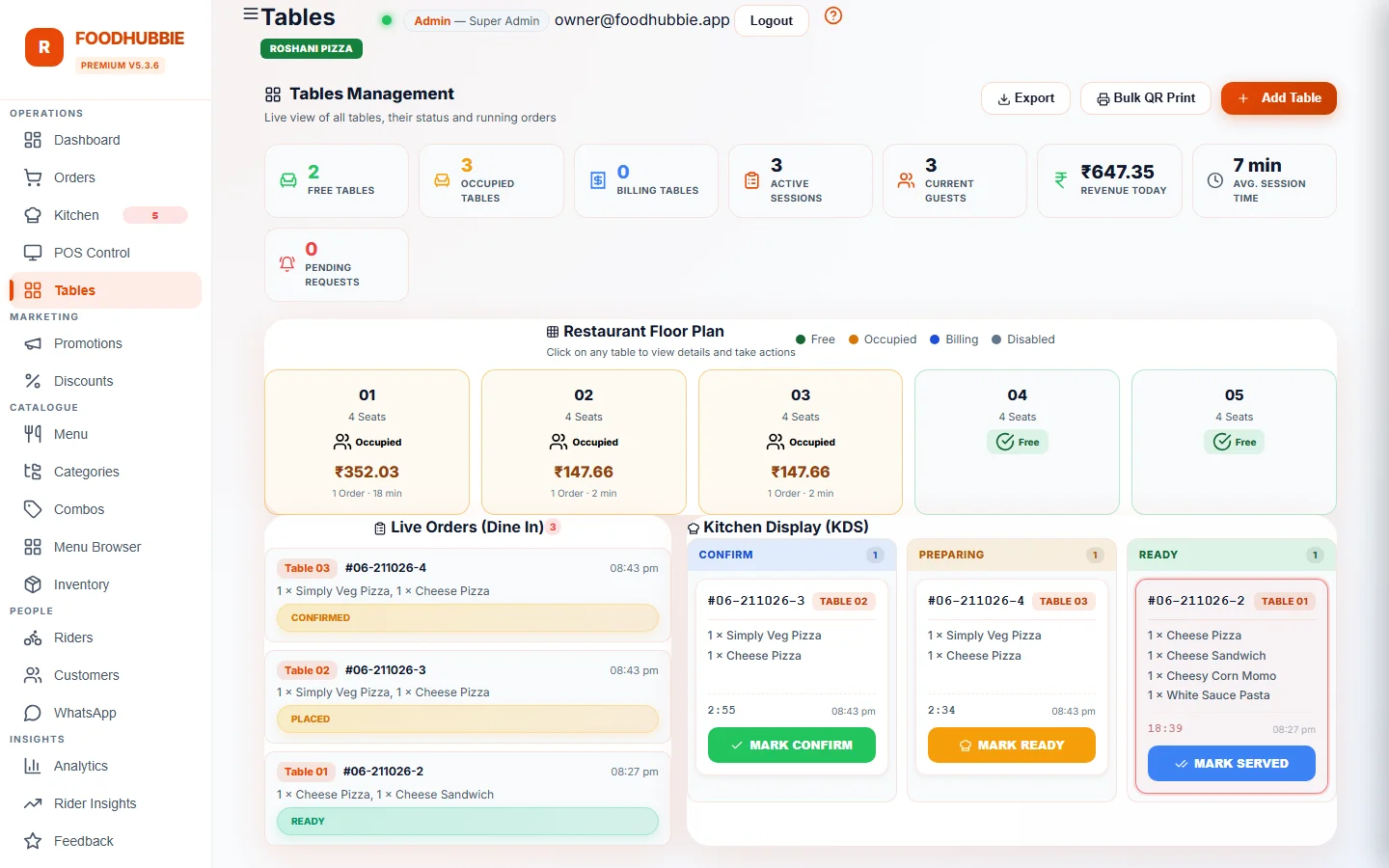
Table sessions track every item ordered; multi-bill groups prove the cashier's math before the bill closes.
Flat ₹1–5 per order and a ₹500 setup. No monthly rent for the ordering channel your customers already know how to use.
Rush-hour spikes don't break the flow — five phones scanning at once don't need five waiters.
Sold out? The menu shows it live the second you toggle availability in the admin. Price change? Updates instantly on every table.
Questions people actually ask
Do I have to reprint QR codes when prices change?
No. The QR opens your live menu, so price and item changes appear immediately — the printed code stays the same.
Can two people at the same table order separately?
Yes. A table session can hold separate bill groups, so each group's items stay attached to that group for splitting at the POS.
What is a QR code ordering system?
A QR code ordering system lets customers scan a QR code on the table with their phone, open the restaurant's menu instantly — no app download — customize and place their order directly, and have it appear live in the kitchen and billing dashboard. FoodHubbie runs exactly this for restaurants, cafes and cloud kitchens.
How much does a QR ordering system cost?
FoodHubbie charges a flat ₹1–5 per order depending on plan, plus a one-time ₹500 setup. No monthly fee, and the free trial covers the full feature set.
Do customers need to install an app?
No. The menu opens in the customer's phone browser the moment they scan the QR code. Nothing to download, nothing to sign up for.
Does the QR table order go directly to the kitchen?
Yes. Orders appear on the kitchen display and admin dashboard in real time with the table number attached, so staff can serve without taking notes or double-confirming.
Can the table bill be split or closed at the table?
Yes — FoodHubbie supports multi-bill groups: a table session can hold separate bill requests that the cashier accepts or rejects, and the customer can request the bill right from the same screen.
How to set up QR ordering in four steps
Categories, items, prices, photos and customizations such as size, spice and extras. One menu feeds the QR app, POS and WhatsApp ordering.
Each QR is tied to that table, so an order arrives with the table number already attached — no "which table is this?" at the counter.
Put the QR on a table tent, sticker or menu card. Because it points to your live menu, changing a price never means reprinting.
Orders appear in the kitchen display and on the POS at the same moment, under a live table session.
Setup is part of the one-time ₹500 onboarding — rates are on the pricing page.
What the customer does at the table
The point is that there is nothing to install and nothing to explain. A first-time customer can order without a waiter standing over them.
The menu opens in their own browser with photos, prices and the items you have marked available today.
Size, spice level and add-ons are chosen from options you defined — not typed into a free-text box the kitchen has to interpret.
Another drink halfway through goes onto the same table session: the kitchen gets a new ticket and the bill stays in one place.
Requests reach staff from the phone instead of a raised hand across the room.
What the restaurant sees
On the staff side, a QR order is not a separate inbox. It is an ordinary order attached to a live table session.
| Waiter-only service | FoodHubbie QR ordering | |
|---|---|---|
| Order capture | Waiter writes, cashier re-enters | Customer enters it once; staff see it live |
| Wrong-item rate | Depends on handwriting and memory | Options are fixed by your menu |
| Table status | Asked verbally | Live session: what is ordered, what is pending |
| Bill request | Hand raised, then hunted | Requested from the phone, visible at the POS |
| Upsell | Whatever the waiter remembers to say | Combos and add-ons shown in the menu itself |
Split bills and multi-group tables are handled by the POS; the kitchen sees the same tickets in the kitchen display.
See it running on a real table
The free trial covers QR ordering, kitchen display and billing. WhatsApp us and we'll set it up on your printed QRs the same day.
Start free trial → Register your restaurant